
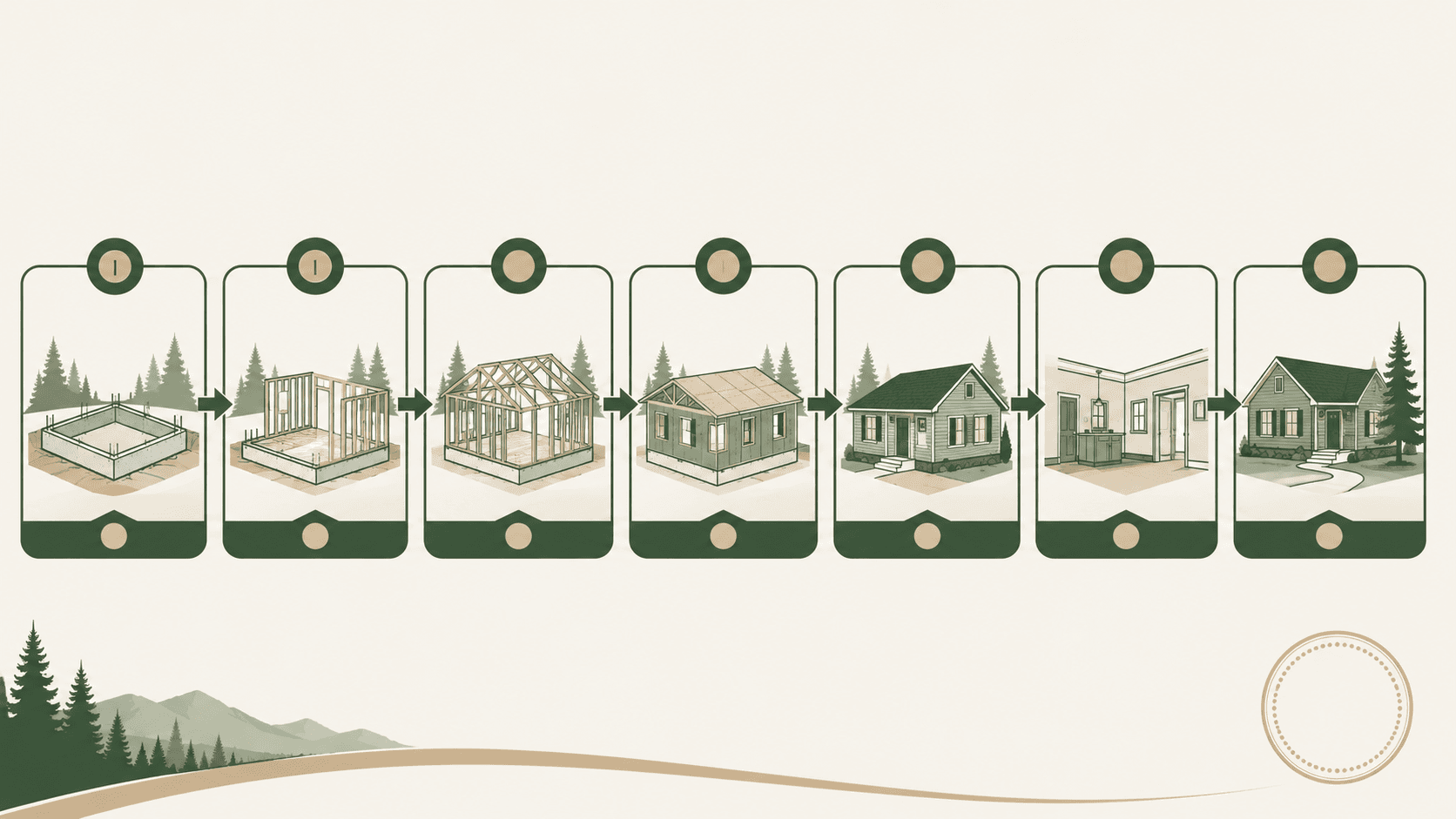
Phase timeline
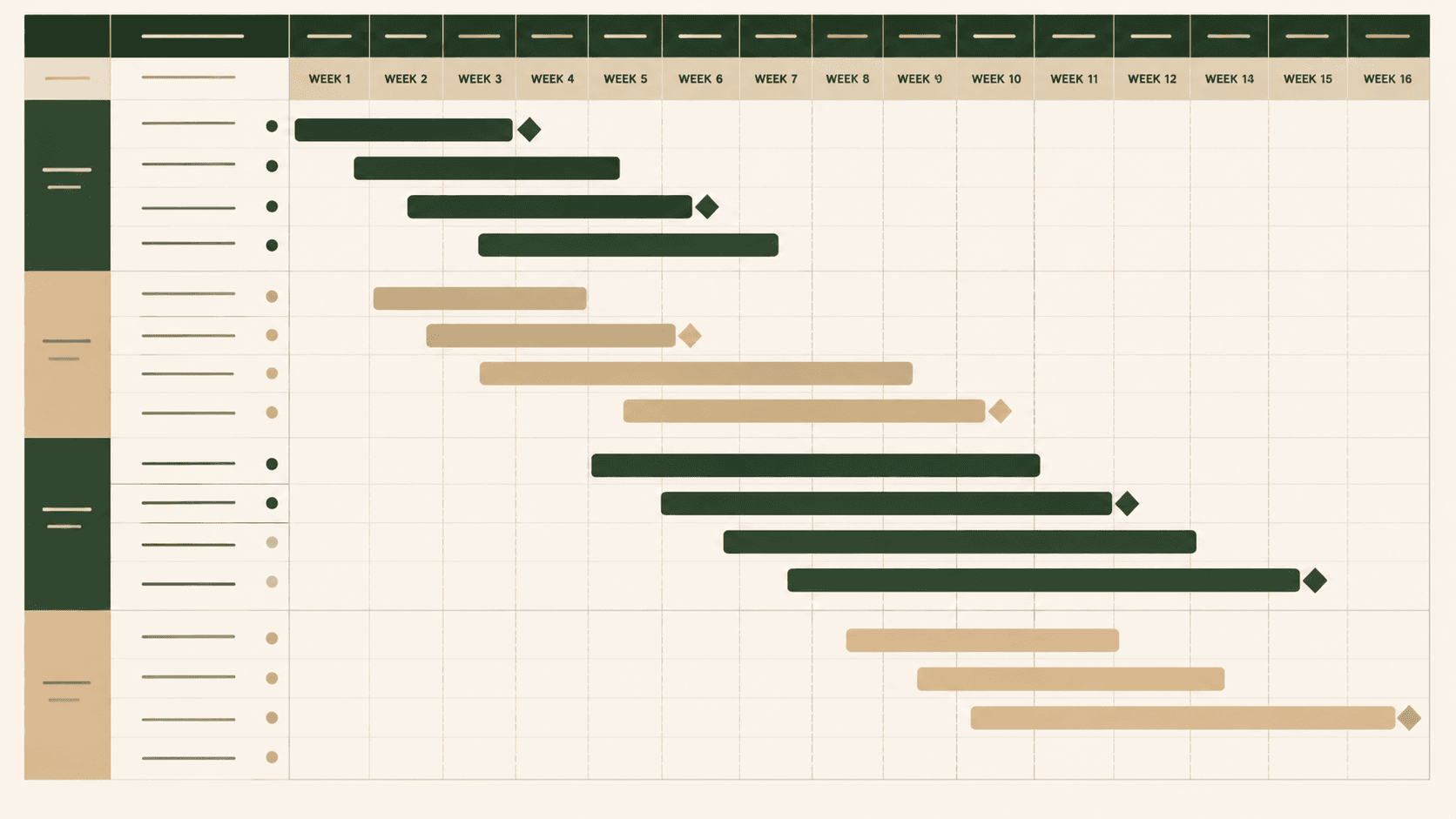
A sequenced foundation-to-snagging task plan with owners, milestones and indicative weeks.
 Create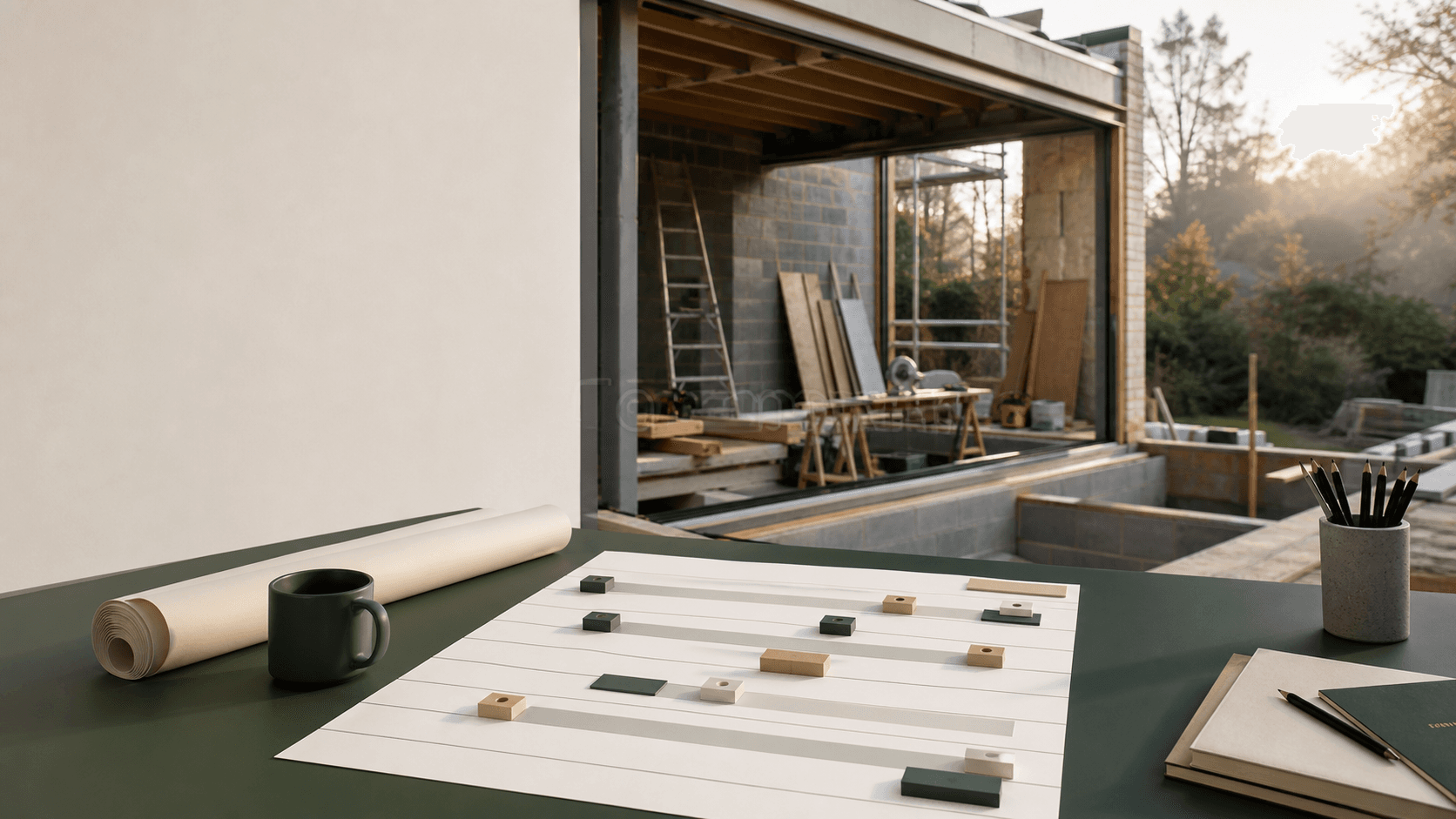
Homeowner project fieldbook / AI assisted
Turn a self-build, extension or major renovation brief into a phased timeline, task register, snag list, material tracker and progress recap.
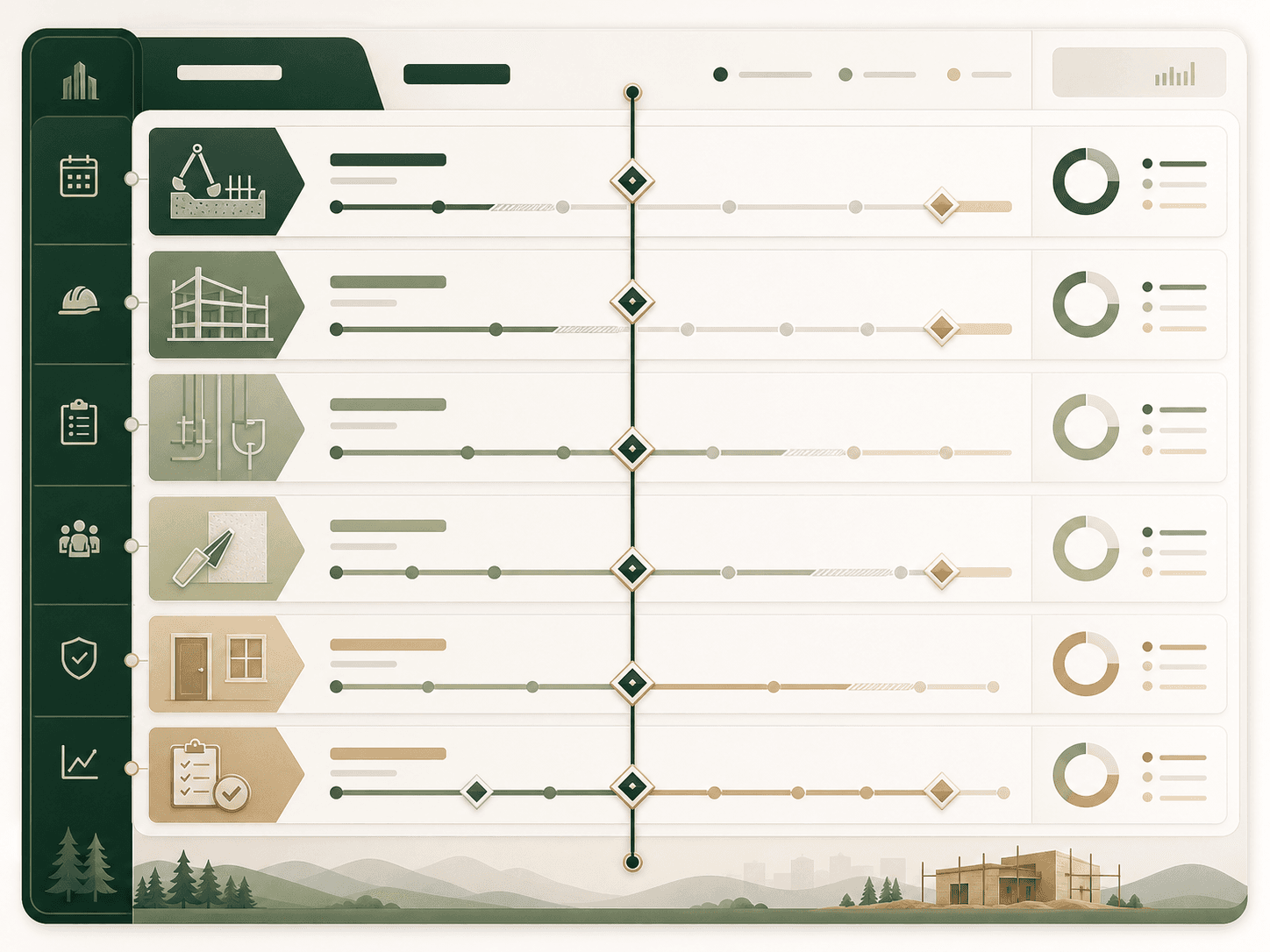
Your phase spine, milestones, snagging list, materials, logs and exports will appear here.
Output register / 06 files
Every output stays editable, exportable and visibly marked as an indicative planning reference.
A sequenced foundation-to-snagging task plan with owners, milestones and indicative weeks.
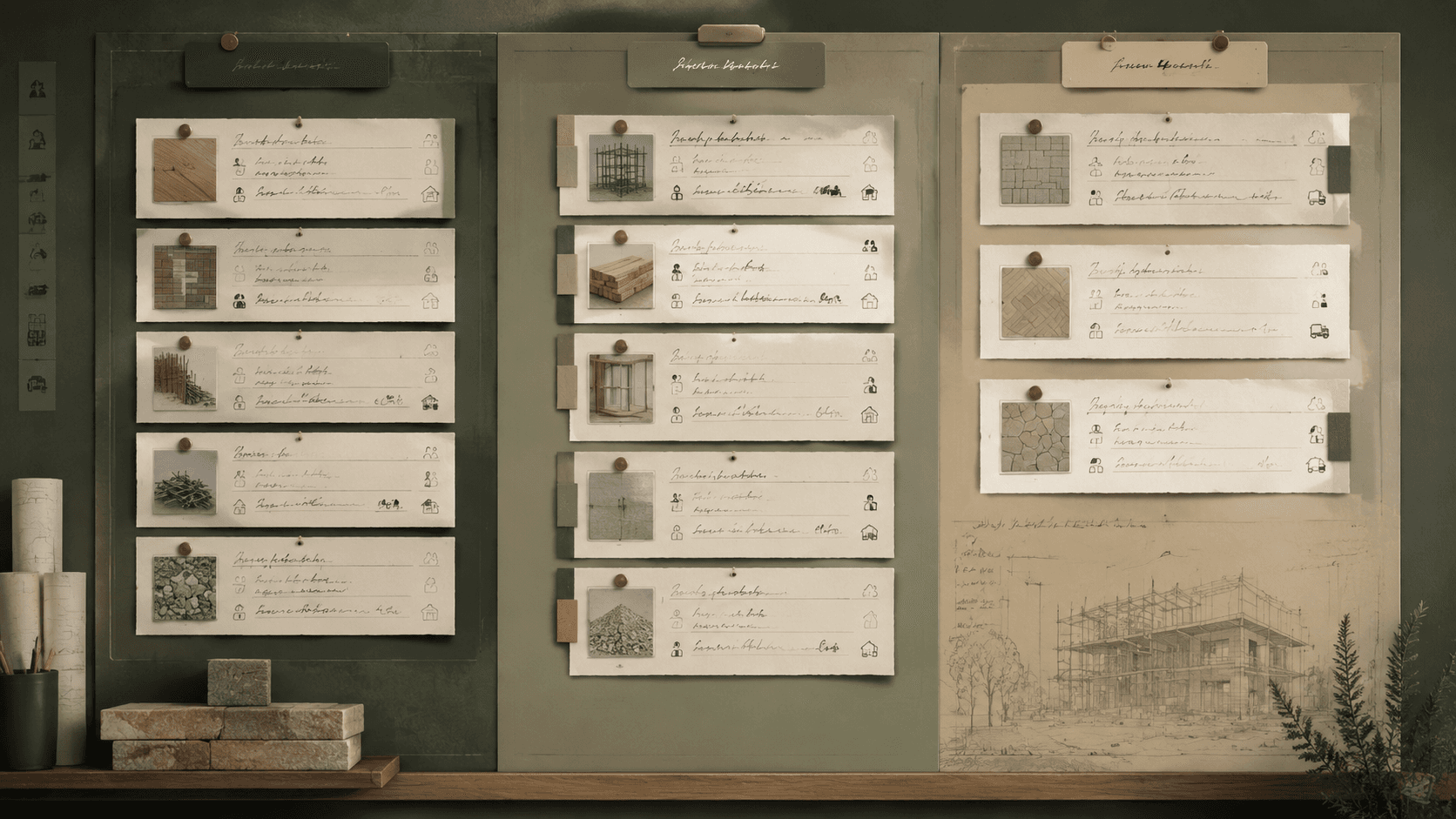
Create Room-by-room observations, evidence references, responsible people and close-out status.
 Create
 A repeatable record for completed work, next actions, deliveries, delays and decisions.
 Create
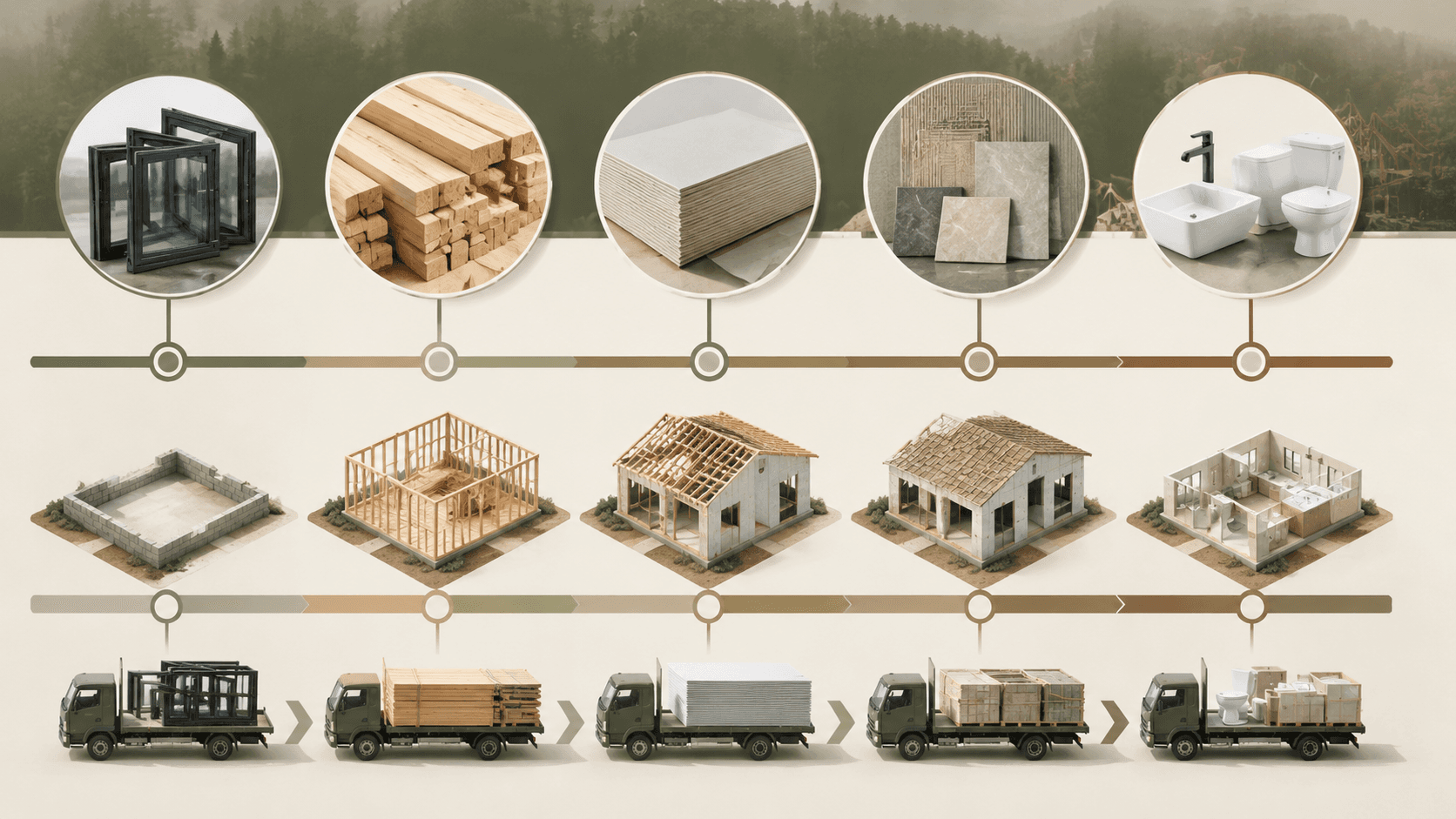
 Delivery targets tied to verified dependencies and the people who must confirm them.
 Create
 A decision register that keeps date, context, owner, deadline and evidence together.
 Create
 A 10–25 second 16:9 or 9:16 progress update with optional captions and music.
 Create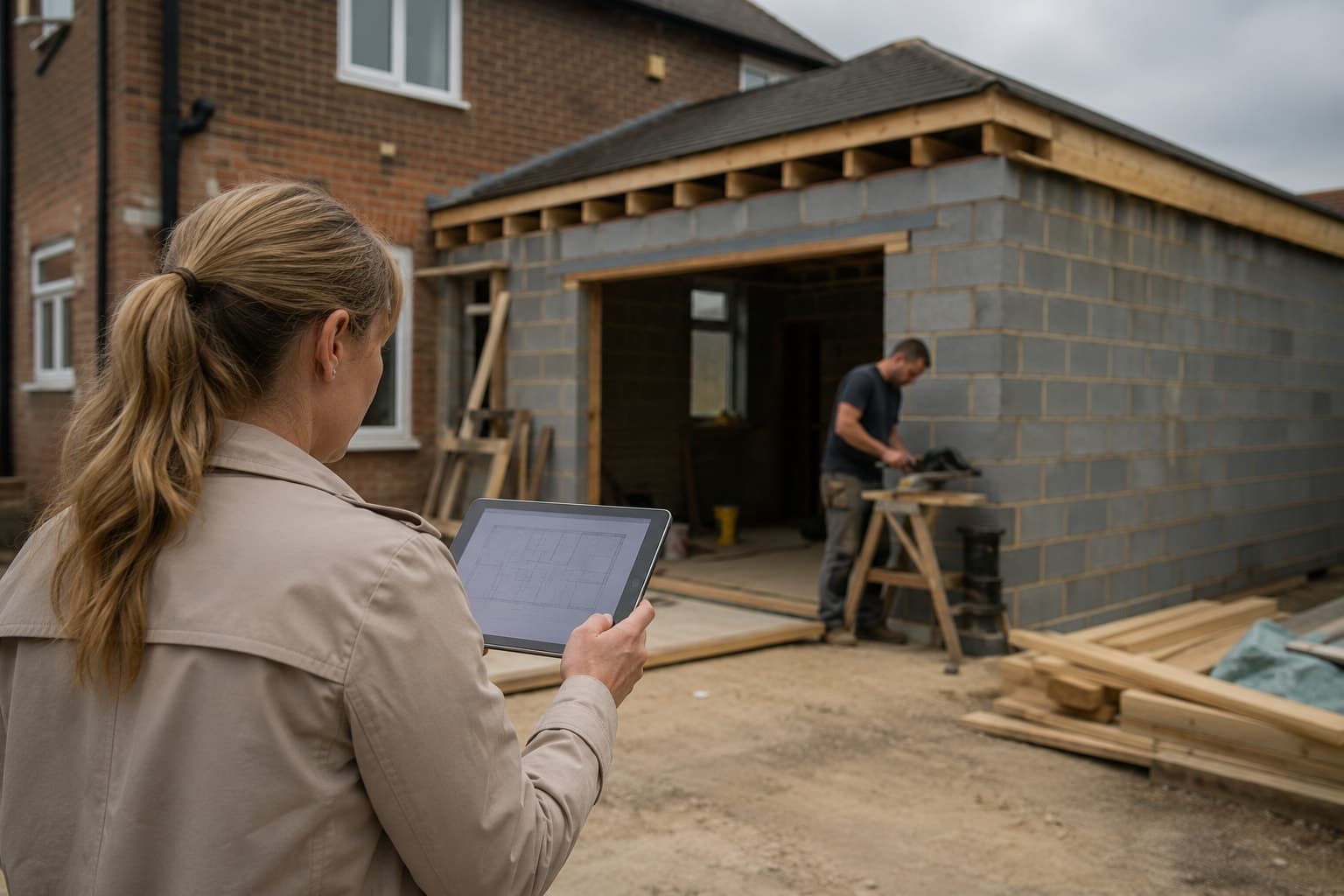
Designed for the person living with the build
Sitepace organises project information. Qualified professionals remain responsible for construction, structural, electrical, safety and regulatory decisions.
Visual checks / 04 modes
Move from structured plan to an indicative visual, adjust the dates or material nodes, then create a recap.
Five linked steps
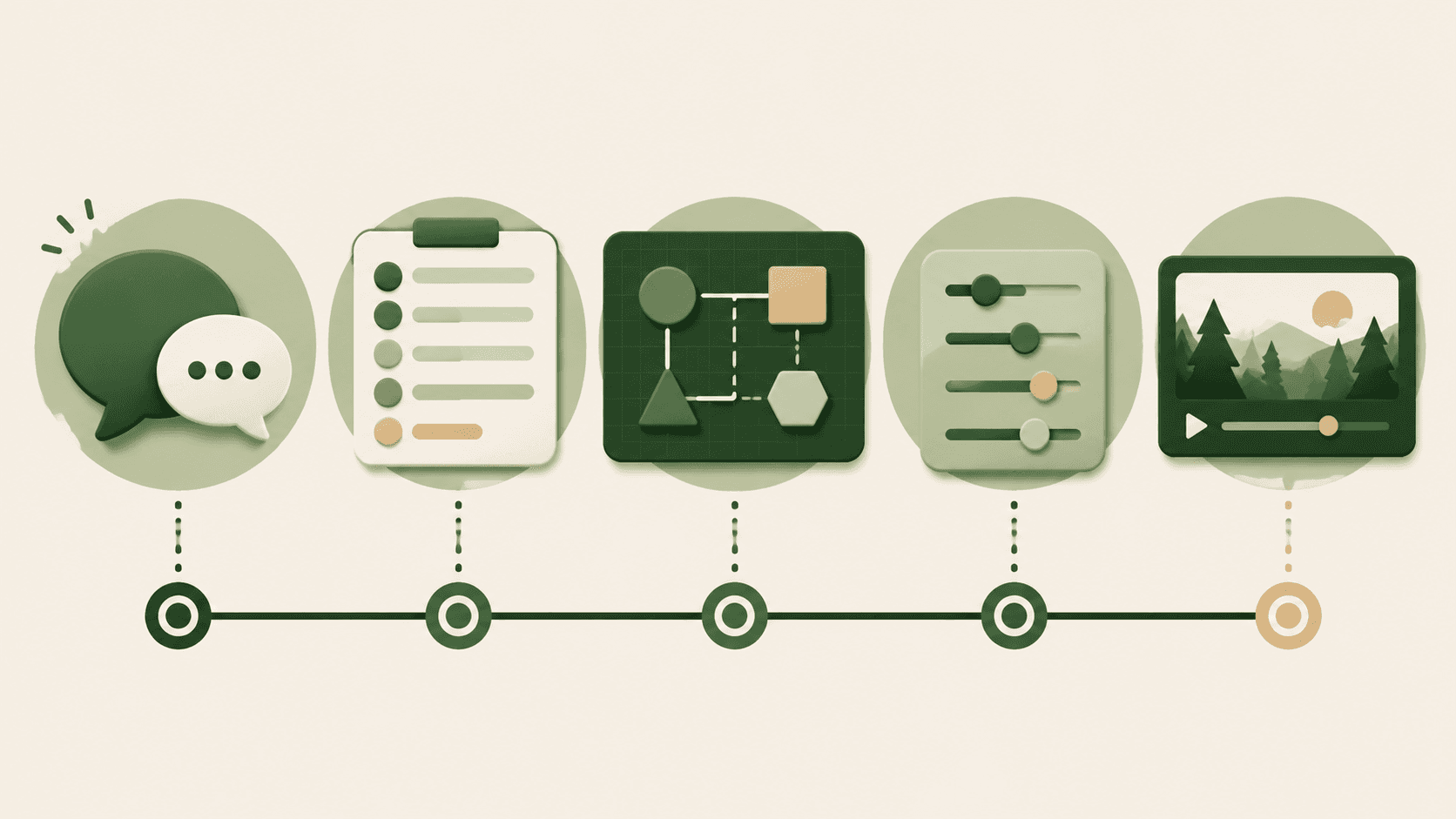
Scope the project, target pace and the areas you need to track.
Generate phases, tasks, milestones, snagging, materials and logs.
Choose phase flow, Gantt, Kanban or delivery timeline.
Change dates, add milestones and update arrival dependencies.
Create the short recap and download the planning pack.
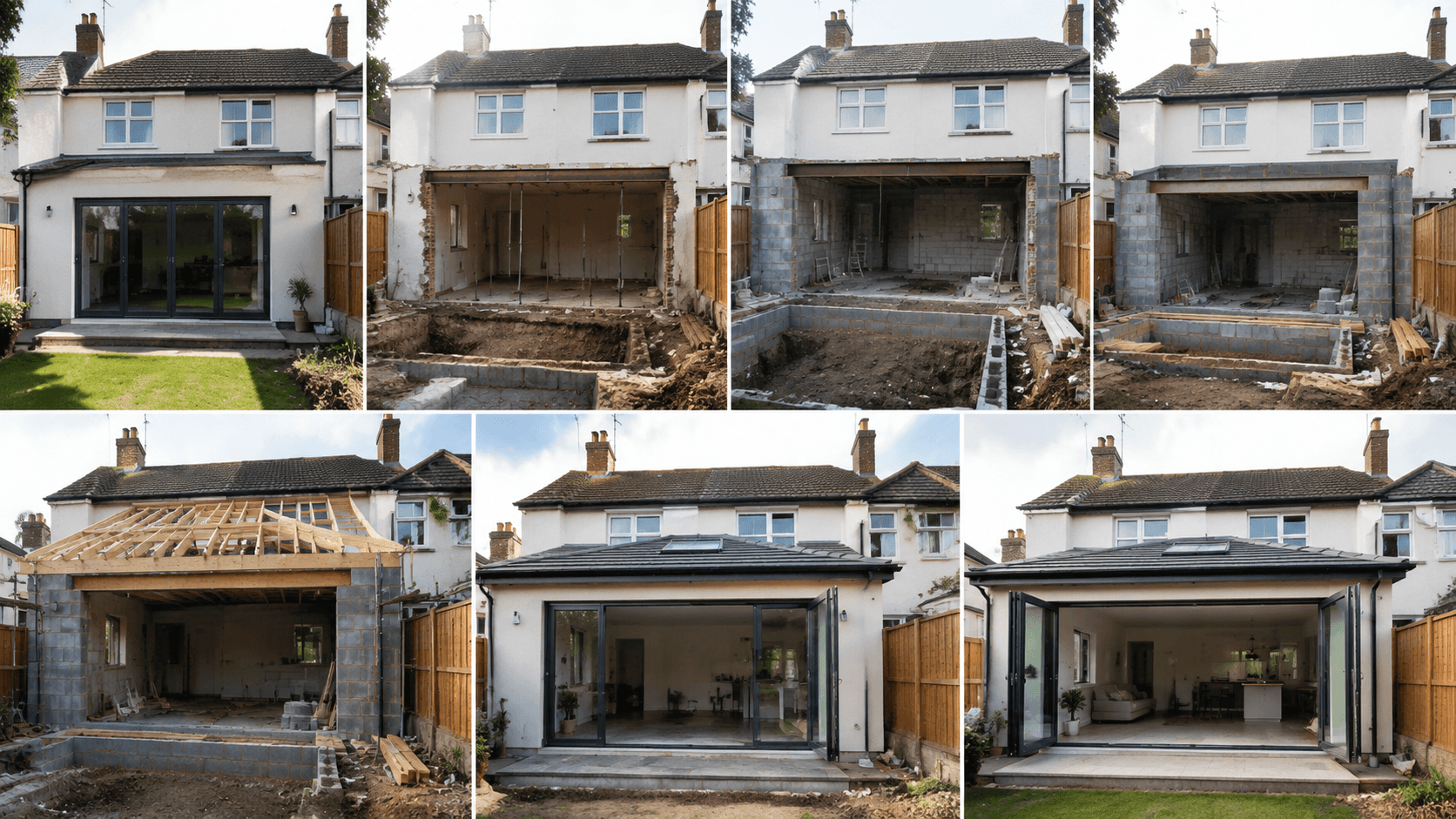
Planning boundary built into every output
USD subscriptions / no stored value
Start with one project. Move to Builder for regular plans and diagrams, or Site Studio for shared boards and recap video. Allowances reset each period.
Pure subscriptions, not credits or stored value. Allowances reset each billing period and do not roll over. Cancel at any time; access continues until the end of the paid period.
Project intake / homeowner context
Tell support what you are planning and where the project record is becoming difficult to follow. We respond during published support hours.
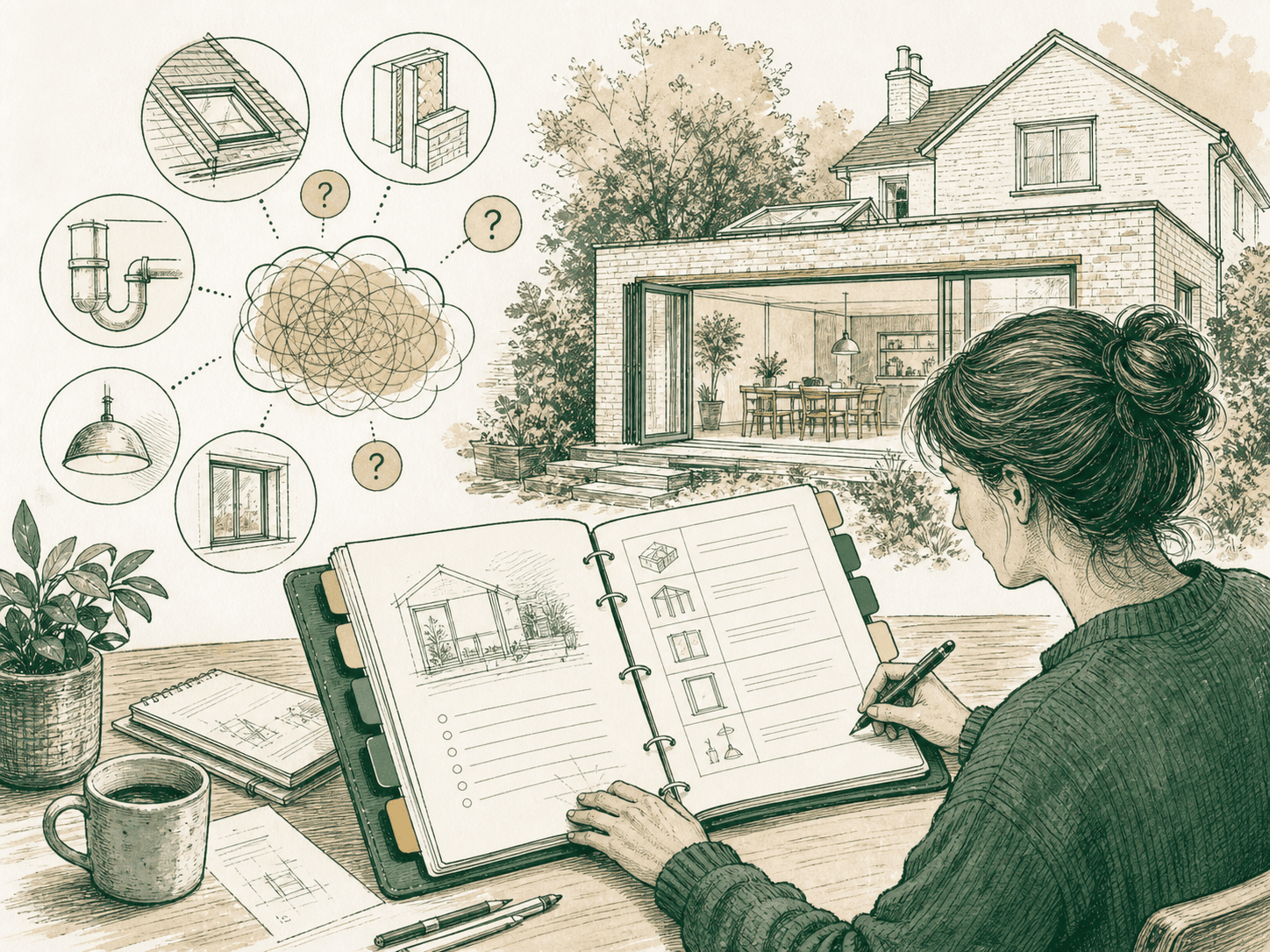
Frequently asked
No. It creates an editable, indicative project-management reference. Actual duration depends on approvals, weather, supply, access and contractor availability. Confirm the programme with the responsible contractor and professionals.
No. Sitepace does not inspect a site or provide structural, electrical, safety or building-regulation advice. Contact appropriately qualified professionals and the relevant approval or inspection bodies.
You retain your rights in your input and generated content. You grant the limited processing permission described in the Content License so the service can produce and deliver your outputs.
Yes. Cancellation stops renewal and access continues until the end of the paid billing period. See the Refund & Cancellation Policy for eligibility and consumer rights.
Sitepace does not claim or require a right to train models on your project content. Inputs are sent to processors only to deliver the requested generation and are handled under the Privacy Policy.